AIMachine LearningPythonLangChainLLMGenerative AI
Building Production-Ready AI Agents with Python and LangChain
The Generative AI landscape is evolving at a breakneck pace. We are rapidly moving away from simple, stateless "chatbots" that act purely as conversational search engines, and moving toward Autonomous AI Agents—sophisticated systems that can reason, plan, and take actions in the real world using external tools.
If you are a Python developer looking to build the next generation of AI applications, mastering agent architectures is non-negotiable. Building these agents is easier than ever using frameworks like LangChain and LangGraph.
In this deep dive, we will explore what truly defines an AI agent, how to architect one from scratch using LangChain, and the critical hurdles you must overcome to deploy these systems into production.
What is an AI Agent?
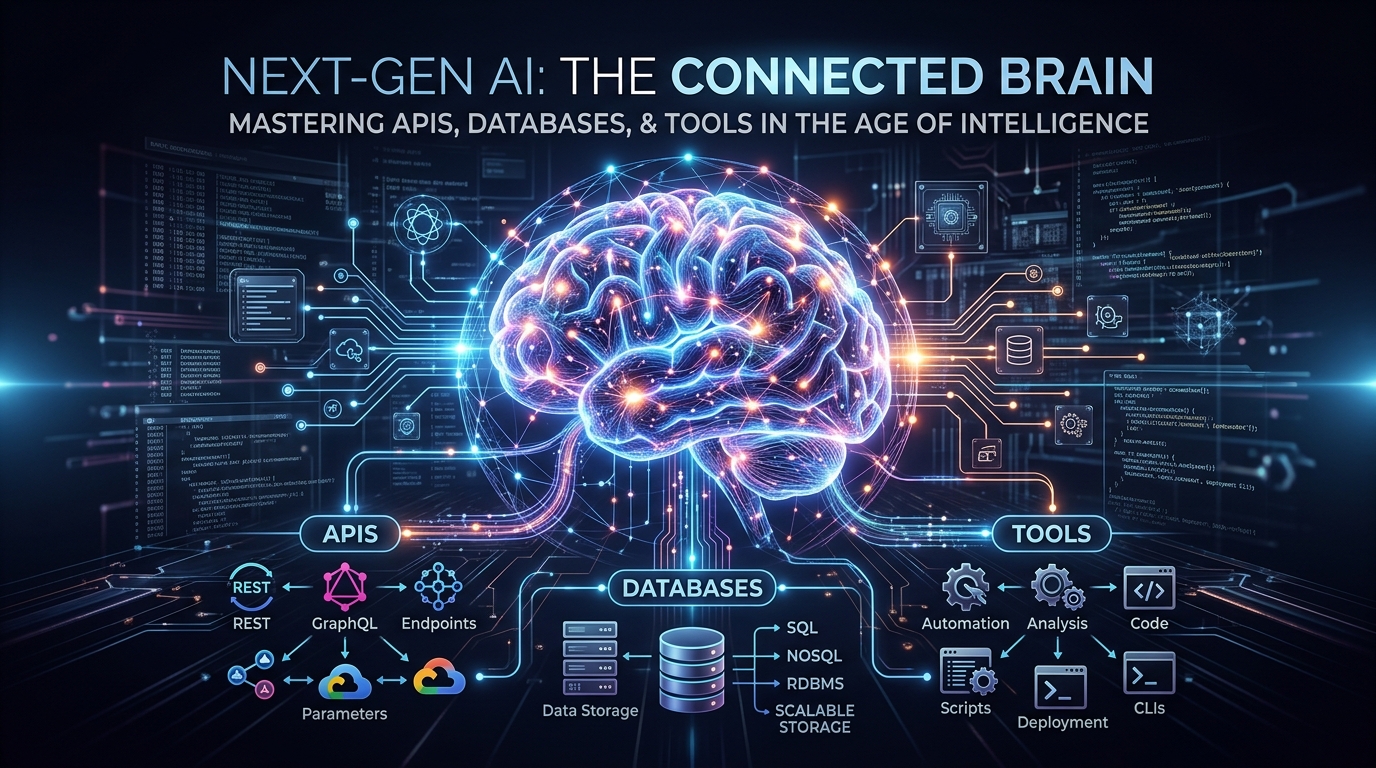
An AI Agent is a Large Language Model (LLM) equipped with a "brain" (reasoning capabilities) and "hands" (tools).
While standard RAG (Retrieval-Augmented Generation) just fetches documents to answer a query, an Agent works in a continuous cognitive loop. The most famous framework for this is ReAct (Reasoning and Acting):
- Thought: The agent analyzes the user's prompt and decides what it needs to do. "The user is asking for the current stock price of Apple. I don't know the current price because my training data is cut off."
- Action: The agent selects a tool to acquire the missing information. "I will use the
finance_search_apitool with the query 'AAPL'." - Observation: The tool executes and returns the raw data to the agent. "The API returned: AAPL current price $175.40."
- Final Answer: The agent synthesizes the observation into a human-readable response. "The current stock price of Apple is $175.40."
Core Components of a LangChain Agent
To build a production-ready agent in Python, you need three main components working in harmony.
1. The LLM (The Brain)
You need an LLM capable of high-level reasoning and native function calling. Not all LLMs are created equal for agentic tasks. Small open-source models often fail at the complex reasoning required to select the right tool or format the tool inputs correctly.
OpenAI's
gpt-4o, Anthropic's Claude 3.5 Sonnet, and highly tuned open-source models like Llama-3-70B are currently the gold standards for agentic reasoning.2. Tools (The Hands)
Tools are the defining feature of an agent. A tool is simply a Python function wrapped in a specific way so the LLM knows its name, its purpose, and the exact arguments it requires.
Tools can be anything your Python code can execute:
- Web Search engines (Tavily, Google, Bing)
- SQL Database executors
- REST API clients (Stripe, GitHub, Salesforce)
- Python REPLs for executing mathematical calculations
pythonfrom langchain.tools import tool
import requests

@tool
def get_weather(location: str) -> str:
    """
    Fetch the current weather for a specific location.
    Args:
        location: The city and state, e.g., 'San Francisco, CA'
    """
    # In a real app, you would call a real API like OpenWeatherMap
    # response = requests.get(f"https://api.weather.com/v1/{location}")
    return f"The weather in {location} is 72°F and sunny."
Notice the docstring! The LLM reads this docstring to understand when and how to use the tool. Writing high-quality docstrings is the equivalent of "prompt engineering" for your tools.
3. The Orchestrator (LangGraph)
While LangChain's legacy
AgentExecutor is great for simple scripts, modern production agents require complex state management, cyclical loops, and error recovery.This is where LangGraph comes in. LangGraph allows you to model your agent's workflow as a directed graph. Nodes represent LLM calls or Tool executions, and edges define the conditional logic (e.g., "If the tool fails, route back to the LLM to rewrite the query").
Building Your First Agent Workflow
Here is a practical example of tying these concepts together using LangChain's pre-built ReAct agent executor (which abstracts away the graph creation for simplicity):
pythonimport os
from langchain_openai import ChatOpenAI
from langchain.agents import create_tool_calling_agent, AgentExecutor
from langchain_core.prompts import ChatPromptTemplate

# 1. Initialize the reasoning engine
llm = ChatOpenAI(model="gpt-4o", temperature=0)

# 2. Define the tools available to the agent
tools = [get_weather]

# 3. Create the system prompt
prompt = ChatPromptTemplate.from_messages([
    ("system", "You are a highly capable AI assistant. You must use the provided tools to answer the user's questions accurately. If you don't know the answer, do not guess."),
    ("user", "{input}"),
    ("placeholder", "{agent_scratchpad}"), # Crucial: This is where the Thought/Action history is stored!
])

# 4. Construct the Agent
agent = create_tool_calling_agent(llm, tools, prompt)
agent_executor = AgentExecutor(agent=agent, tools=tools, verbose=True, max_iterations=5)

# 5. Execute the workflow
print("Starting agent execution...\n")
response = agent_executor.invoke({
    "input": "I'm traveling to Bangalore tomorrow. What's the weather going to be like? Should I pack an umbrella?"
})

print("\nFinal Output:")
print(response["output"])
When you run this code, you will see the agent "think" out loud in your console. It will recognize that it needs weather data for Bangalore, execute the
get_weather function, parse the output, and then generate a tailored response advising whether an umbrella is needed.Challenges in Production Deployments
While building a toy agent in a Jupyter Notebook feels like magic, deploying it to production introduces massive engineering challenges:
1. Infinite Loops and Hallucinated Actions
An agent might get stuck trying the same failing tool repeatedly, or it might invent a tool that doesn't exist. You must implement
max_iterations safeguards, strict typing on tool schemas, and fallback edges in your LangGraph workflow to catch infinite loops and return graceful errors to the user.2. Latency and Cost
Every "Thought/Action/Observation" cycle requires a round-trip API call to the LLM. If your agent requires 4 steps to solve a problem, it might take 10 seconds and cost 4x as much as a standard generation.
To optimize this, you must use smaller, faster models (like
gpt-4o-mini) for routing and simple tasks, and reserve the heavy expensive models only for the final synthesis.3. Security and Blast Radius
Giving an LLM access to write to a SQL database, send emails, or execute shell commands is extremely dangerous. Prompt injection attacks can trick an agent into executing malicious commands.
Always sandbox your agent environments. Use Read-Only database roles, implement strict human-in-the-loop approvals before executing destructive actions (like
send_email or delete_file), and sanitize all tool outputs before feeding them back into the LLM context.Conclusion
AI Agents represent the next massive frontier of software engineering. By mastering Python, LangChain, and API integrations, you can transition from building simple text generators to building autonomous systems that perform real work on behalf of your users.
Start small. Build an agent with just two tools. Observe how it thinks, refine your tool docstrings, and slowly expand its capabilities. The age of agentic software is here!